
AI connector - MCP
Connect Claude, ChatGPT or any MCP client to your marketing channels. Ask in plain language, get the analysis, and when you're ready, have your assistant build the client report in Reporting Ninja.


One connector, every assistant
Every channel flows through one connector,
into whatever AI tool you use.
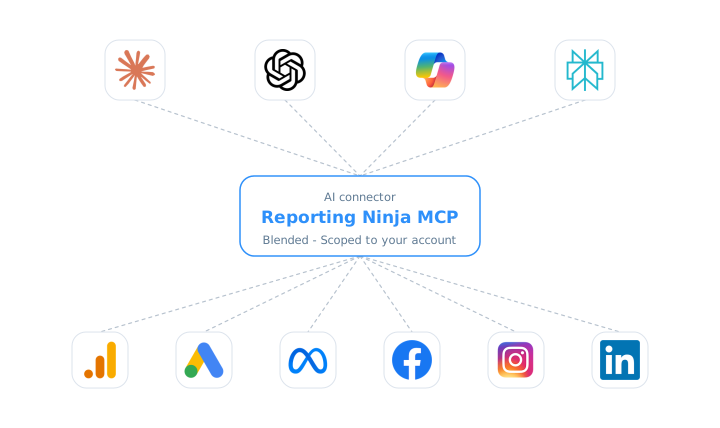
Query everything. Build reports when you say so
Add one connector URL in Claude, ChatGPT or any MCP client, or the connector's key in clients without sign-in such as Copilot Studio and Gemini CLI, and start asking. Out of the box the connector is read-only and scoped to your account: it can query and analyze, but not change a thing. When you want more, the account owner switches on write access and your assistant can also create, schedule and share reports. It can check a change before writing anything, and it asks for your yes before anything is deleted, scheduled or shared with a client. Reset your key, revoke all AI connections or remove the connector whenever you want.













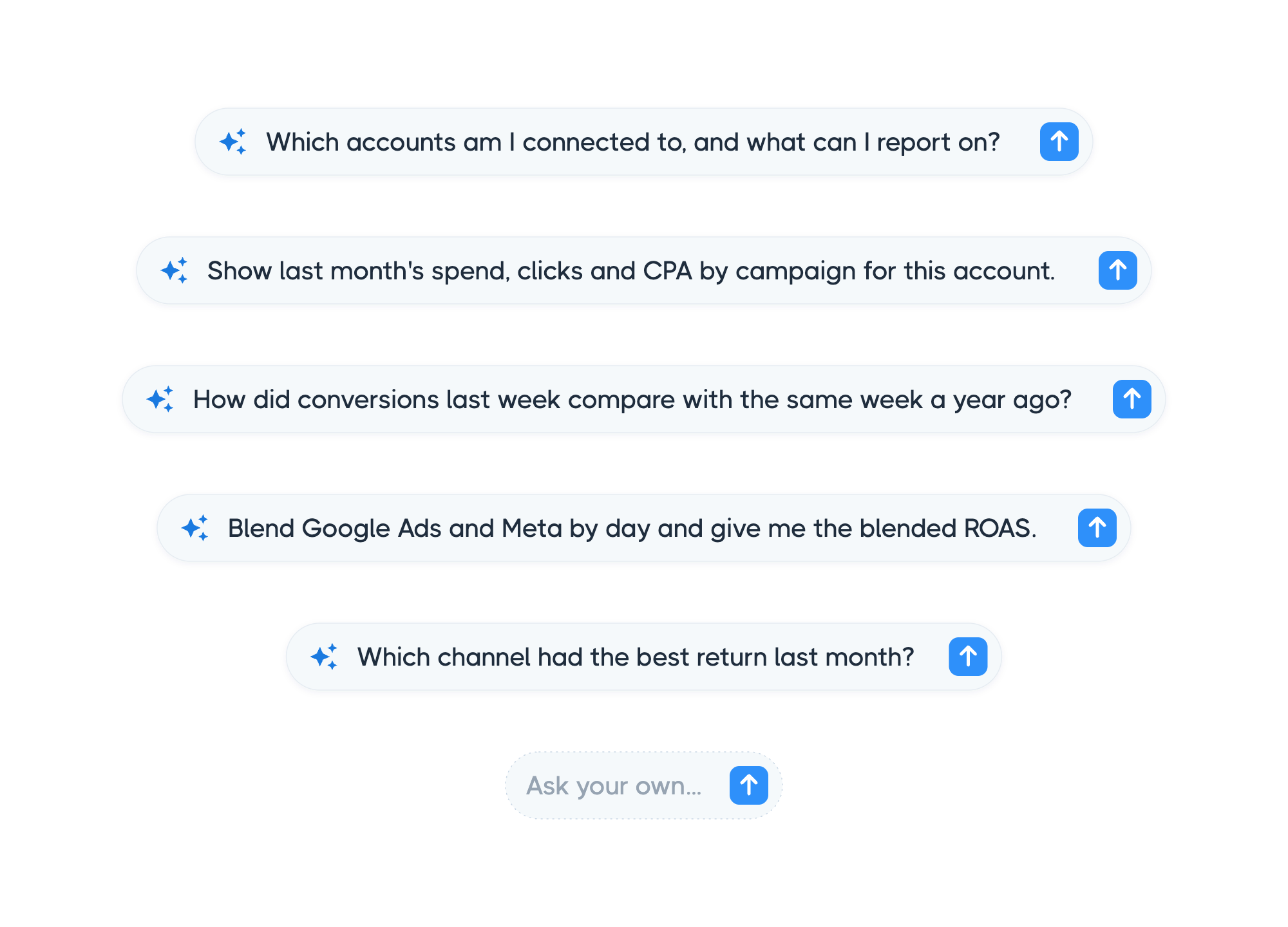
What you can ask
Ask in your own words, about any account and any date range. Reporting Ninja figures out what you have connected, pulls exactly the fields you want, compares periods and blends channels, then hands the answer to your assistant.
There is no query language to learn and no report to build first. Start with a quick number, then drill into a full breakdown, filter down to a single campaign, or pull several platforms into one view, all in the same conversation.
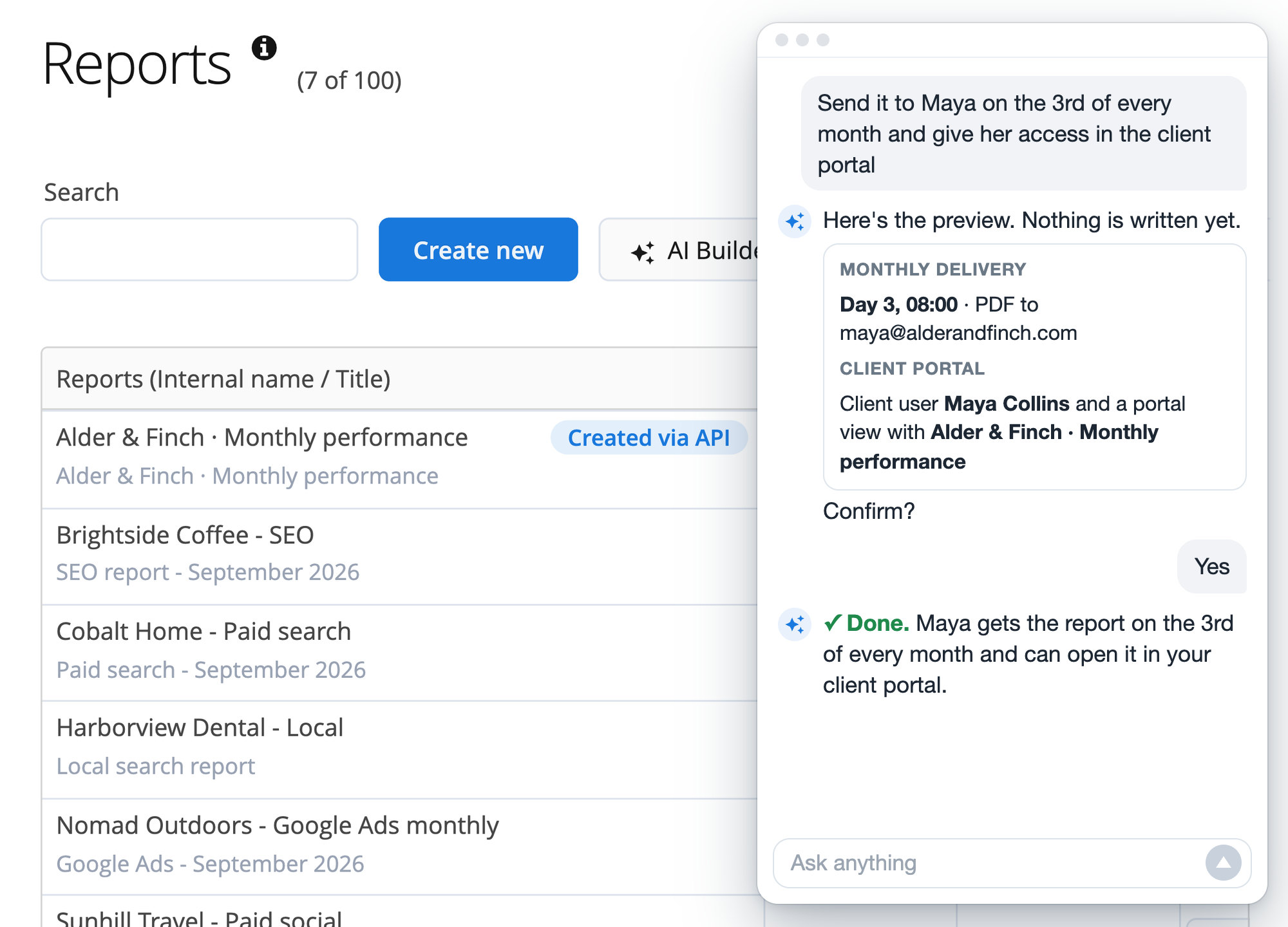
Build it in your assistant, deliver it from Reporting Ninja
Switch on write access and your assistant goes from answering to building: a report from a template or from scratch, with your brand template, a monthly delivery and a portal view for your client. Everything lands in Reporting Ninja with the "Created via API" mark.
Start from a guided analysis
When you want the full analysis without writing the prompt, pick one of these wherever your assistant lists the connector's prompts. Each one runs the right steps, pulls the numbers from your accounts, and hands you a complete answer you can act on straight away.

PPC audit
Spend, conversions, CPA and ROAS for an account, with the trend versus last period and where budget is leaking.

Cross channel ROAS
Spend, revenue and ROAS side by side across your channels, so you see where to put your budget next.

Anomaly sweep
Scans an account for sudden drops or spikes, and tells real changes apart from missing data.

Period comparison
A clean week over week, month over month or year over year read, with the biggest movers called out.

Budget pacing
Month to date spend against budget, with an end of month projection.

Account health
A quick snapshot of whether the account is returning data and how the headline numbers look versus last period.
Every channel in one place
Ads, analytics, SEO, social, email and ecommerce, connected once in Reporting Ninja.









Frequently asked questions
What is MCP?
MCP, or Model Context Protocol, is the open standard that connects AI assistants like Claude or ChatGPT to systems like Reporting Ninja. No copy and paste into the chat, your assistant reads straight from the source.
Does it cost extra?
No. The AI connector is included in every plan at no additional cost, with its own allowance of accounts per data source, like Data Studio, Google Sheets and the REST API. No AI credits used: your assistant does the thinking on its own plan, so the connector doesn't spend your Reporting Ninja AI credits. Only AI summaries it adds to a report use credits when they are generated, like any other AI summary.
Which assistants are supported?
Claude (on the web, the desktop app and Claude Code), ChatGPT and Perplexity with sign-in, plus Microsoft Copilot Studio, Gemini CLI, Manus, Cursor, VS Code, n8n and any MCP client with the connector's key. Step-by-step guides: Works with Claude · Works with ChatGPT.
Can the assistant change my campaigns or data?
It never changes anything in your ad platforms: it only reads them to bring you the data. By default it cannot change anything in Reporting Ninja either. If the account owner switches on write access, it can create, schedule and share reports inside your account, and delete reports and their pieces. It can check any change before writing it, and it asks for your explicit confirmation before anything is deleted, scheduled or shared with a client.
Can the assistant create reports?
Yes, when an account owner switches on write access in the "AI connector (MCP)" tab. It is off by default, applies to every assistant connected to your account and can be switched off again with one click. Deleted reports wait seven days in a trash, so a mistake is one request away from being undone.
How much of a report can it set up?
All of it, except two things. It writes everything the report's settings window holds (brand template, front cover and the PDF it prints, PDF options, currency and date format, language file, substitution variables, the snapshot switch and the AI brief its summaries read), and it maintains the brand templates, saved filters, calculated metrics, language files and email templates your reports are built from. What stays in the app on purpose: the settings of your account (its default localization, its default brand template and your agency brief), and the level at which a report assigns its data sources, because switching that deletes the bindings.
Is the data secure?
The connector uses the same sign-in and access controls as your Reporting Ninja account: only account owners and admins can connect it, and it only reaches the accounts connected to that account. Each answer comes straight from each platform's API through Reporting Ninja, and your assistant receives only the figures it asks for; what it keeps of the conversation follows your AI provider's own data settings.
Start asking your marketing data
Add the connector to Claude, ChatGPT or any MCP client and ask in plain language.